
01Local
Check Sortir
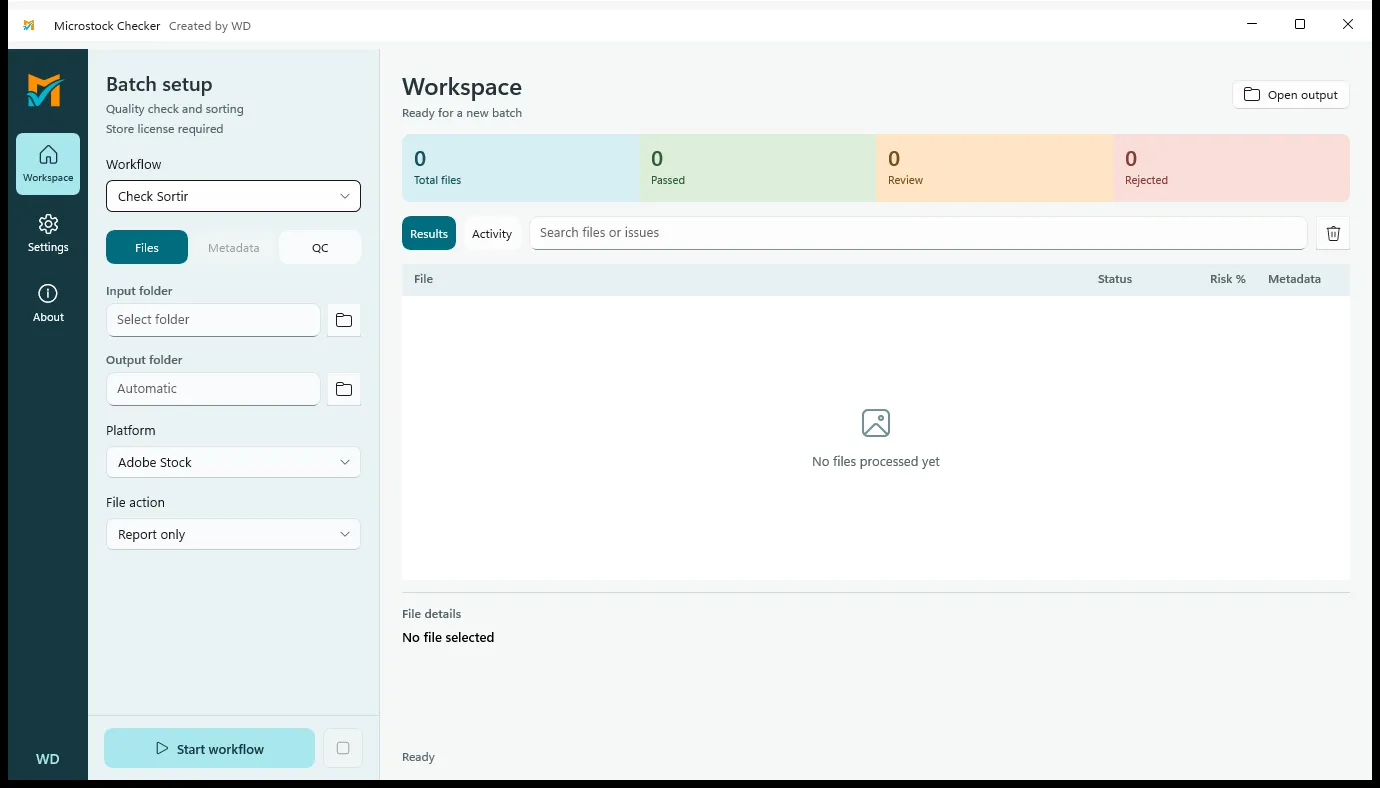
Review potential raster blur and similarity, then create reports or sort file copies. These checks do not guarantee marketplace acceptance.

Store release in preparation · 3.2.0
Review images. Prepare metadata.
A Windows workspace for reviewing image blur and similarity, organizing files and drafting metadata before upload.
WORKSPACE
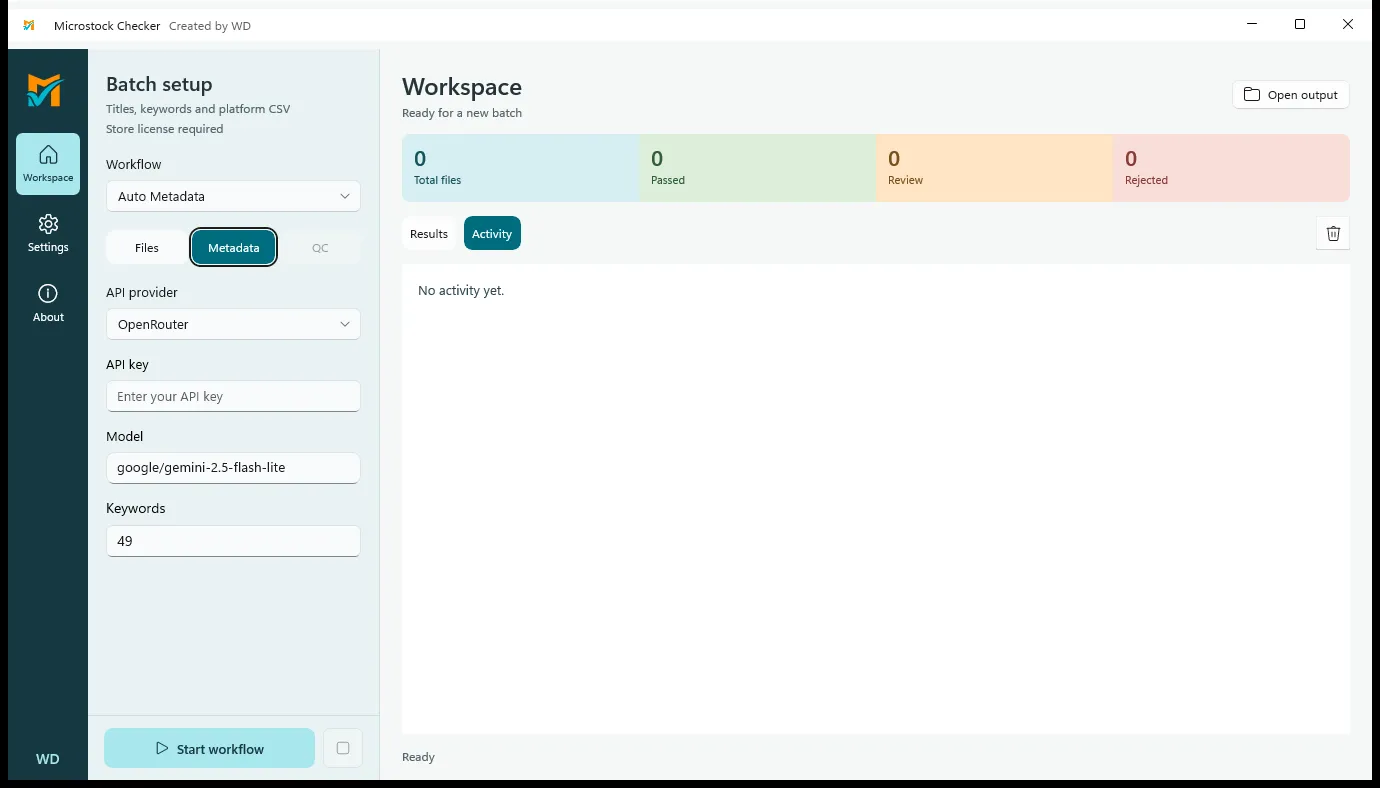
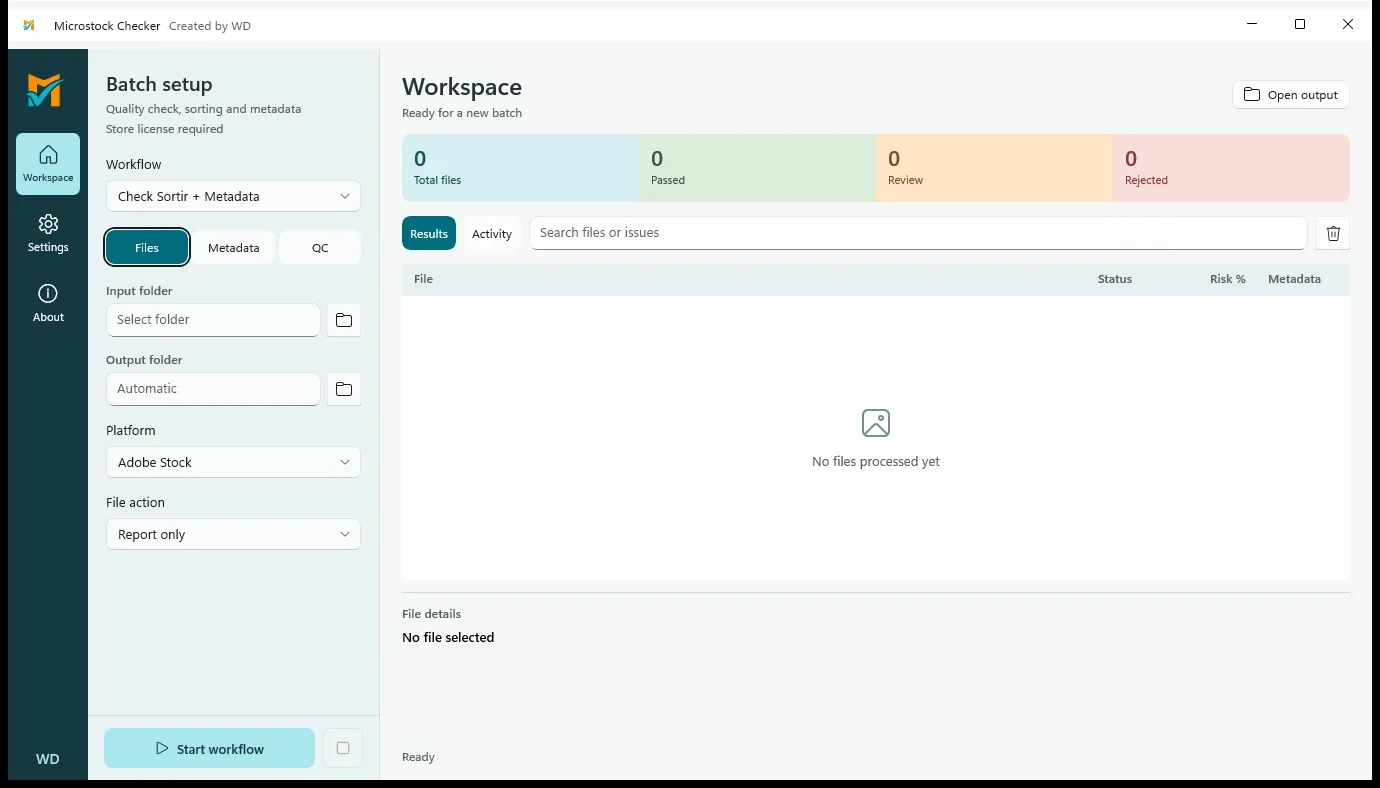
Set input and output on the left. Review checks or metadata activity in the workspace. Start with file copies and Report only.
WORKFLOW
Review potential raster blur and similarity, then create reports or sort file copies. These checks do not guarantee marketplace acceptance.
Draft JPG/PNG metadata with your own key and vision model. Original images are sent to the AI provider. API charges are separate.
Check files and draft metadata in one workflow. In this pre-release, use Report only or Copy; avoid Move + metadata.
FILE SUPPORT
The Microsoft Store edition uses Store licensing. OpenRouter charges are separate. Review QC and metadata before submitting to a marketplace.